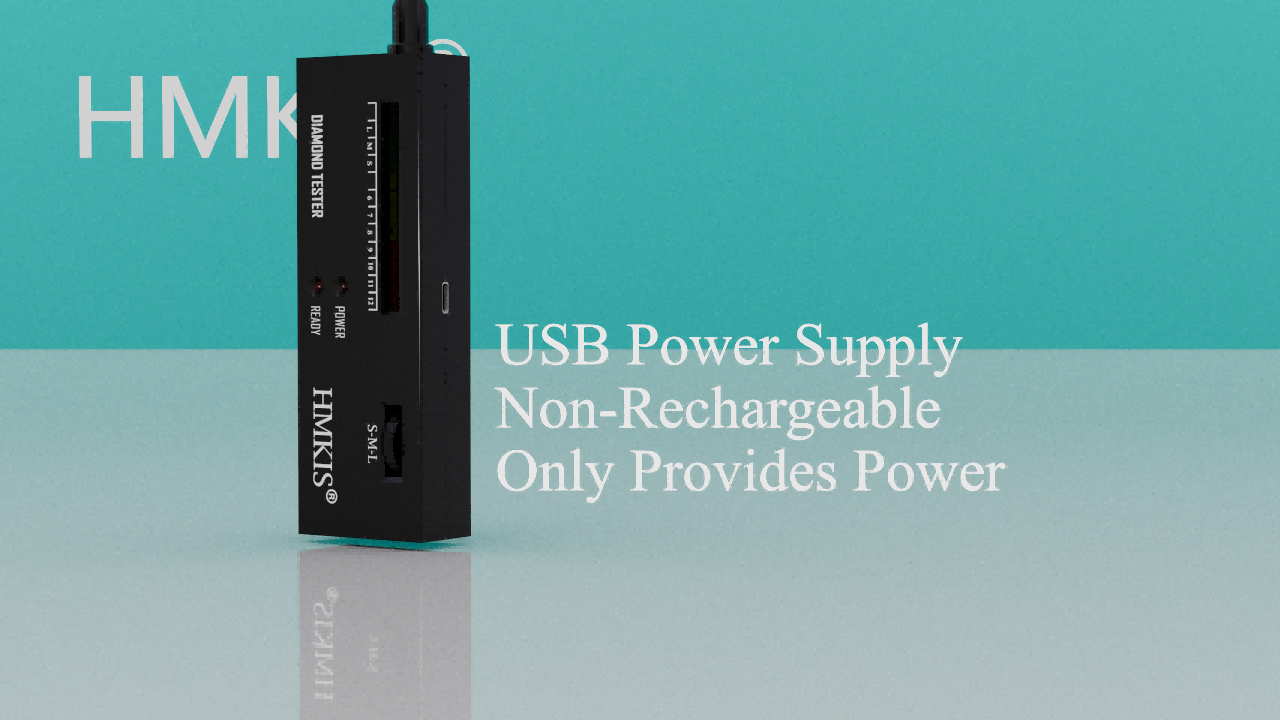
Dual Power Supply Design
To ensure stable voltage for highly accurate testing, the HMKIS diamond tester supports both Type-C USB connection (cable included) for indoor desk use, and a standard 9V battery for outdoor portability.
Turn on the switch and wait ~60 seconds for the "Ready" lamp to illuminate.
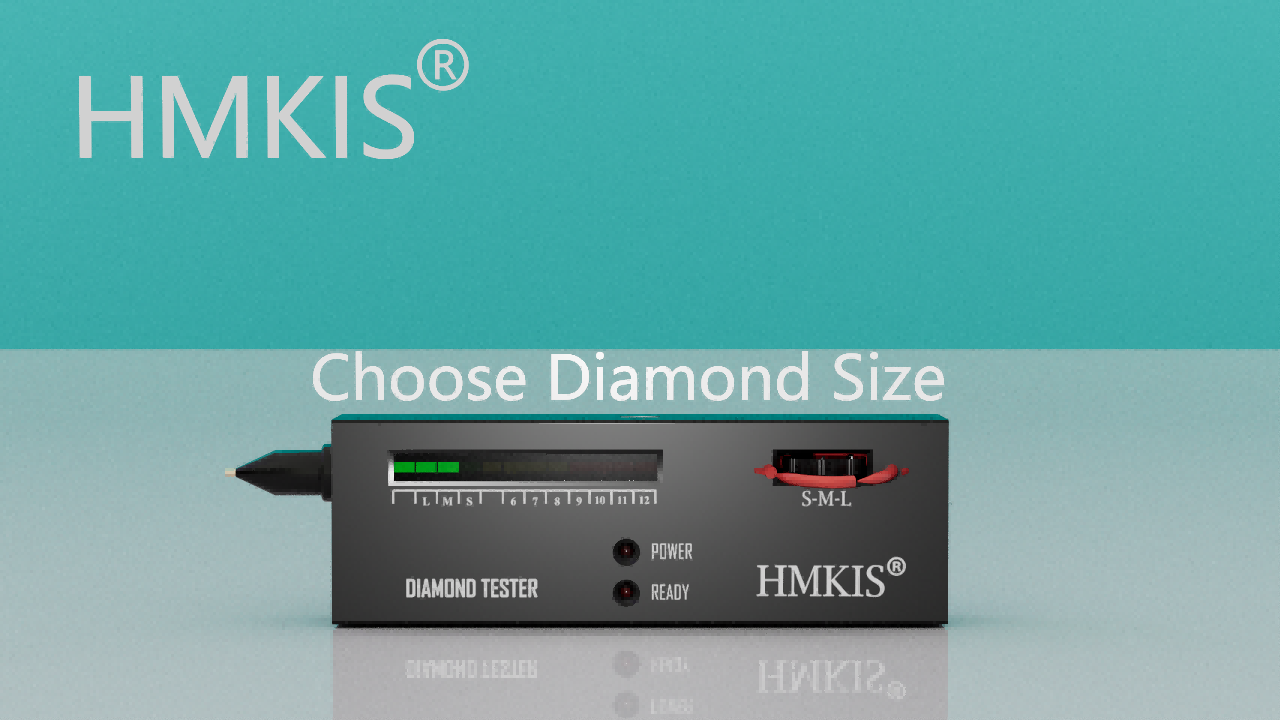
Adjust Calibration
Accuracy starts here. Refer to the chart on the back of the device. Adjust the volume dial to turn on the correct number of lights based on the size of your gemstone.
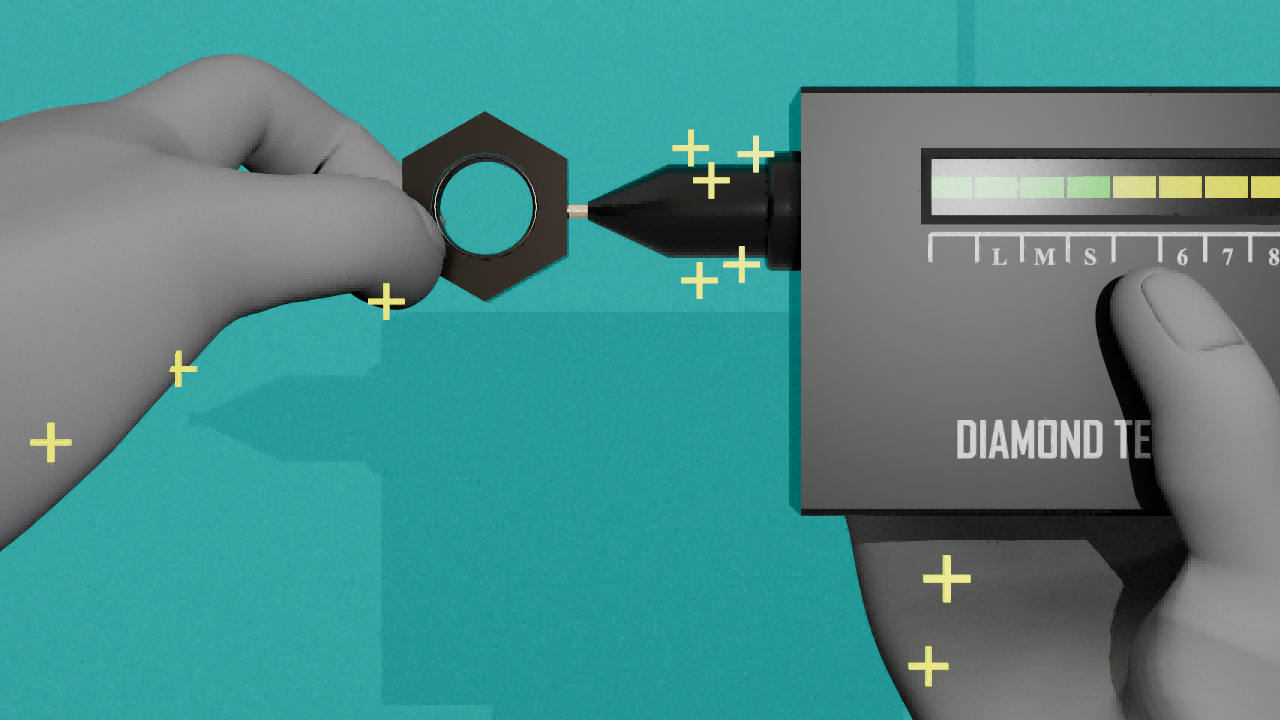
Strict Holding Posture
The tester detects thermal and electrical conductivity. To complete the circuit, your bare right index finger MUST remain in contact with the conductive metal panel on the back of the device.
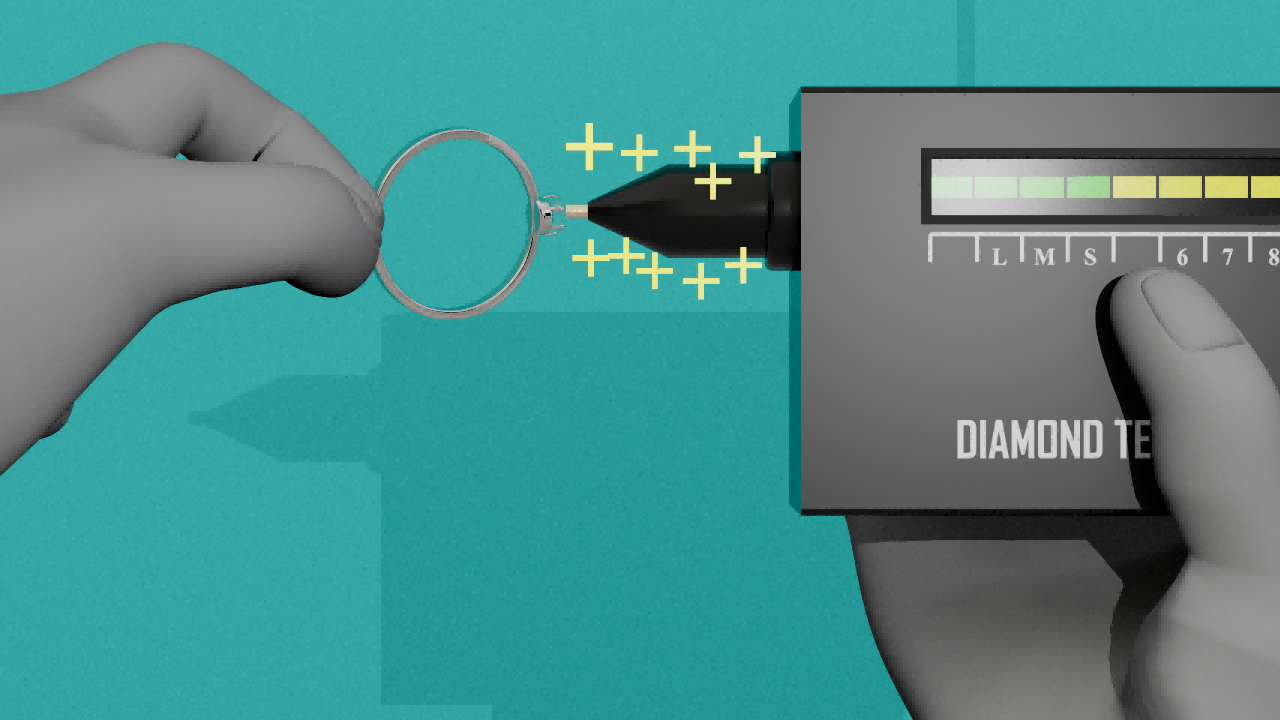
Vertical Testing
Apply gentle pressure and press the probe tip vertically against the center of the gemstone. Ensure a perfect 90-degree flat contact.
Do not test metal settings! If the metal ring is accidentally touched, the device will flash its lights twice.
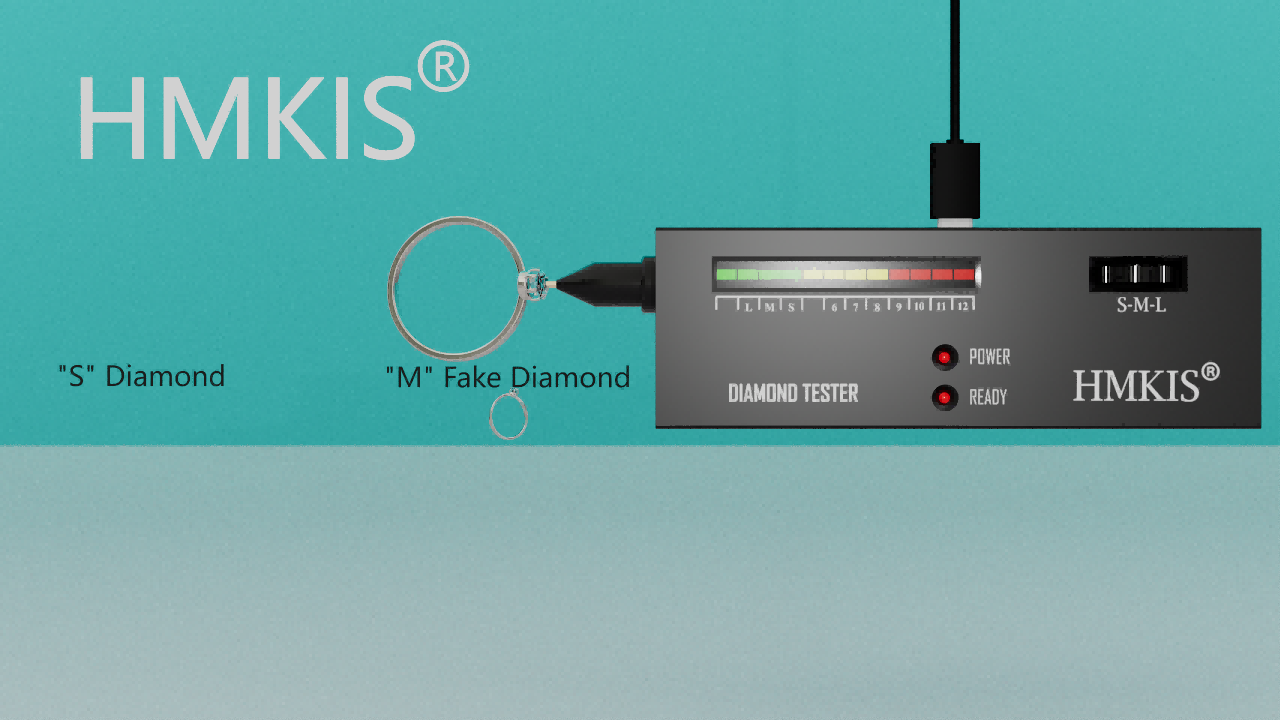
Analyze The Results
Observe the LED scale instantly:
- Red Lights (≥9) + Beep: True Diamond / Moissanite
- Lights 7 - 8: True Crystal
- Lights 6 - 7: True Jade
- Lights 4 - 5: Glass
- No Red Light / No Beep: Fake / Simulant
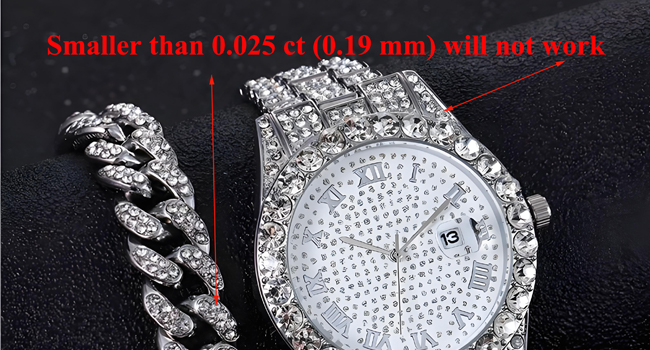
Unable to tester too small diamonds
When the diamond size is less than 0.025ct, the diamond tester light bar cannot reach the red area
When the diamond size is less than 0.015ct, the diamond tester light bar will not respond
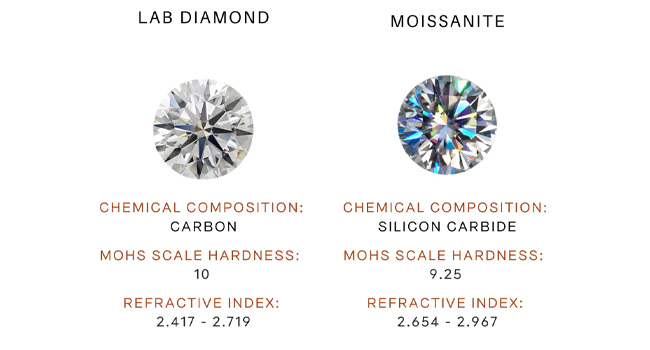
Unable to distinguish moissanite & diamond
This diamond tester cannot distinguish between moissanite and diamond
The device can only judge thermal conductivity through heat transfer, and the thermal conductivity of the two is close.